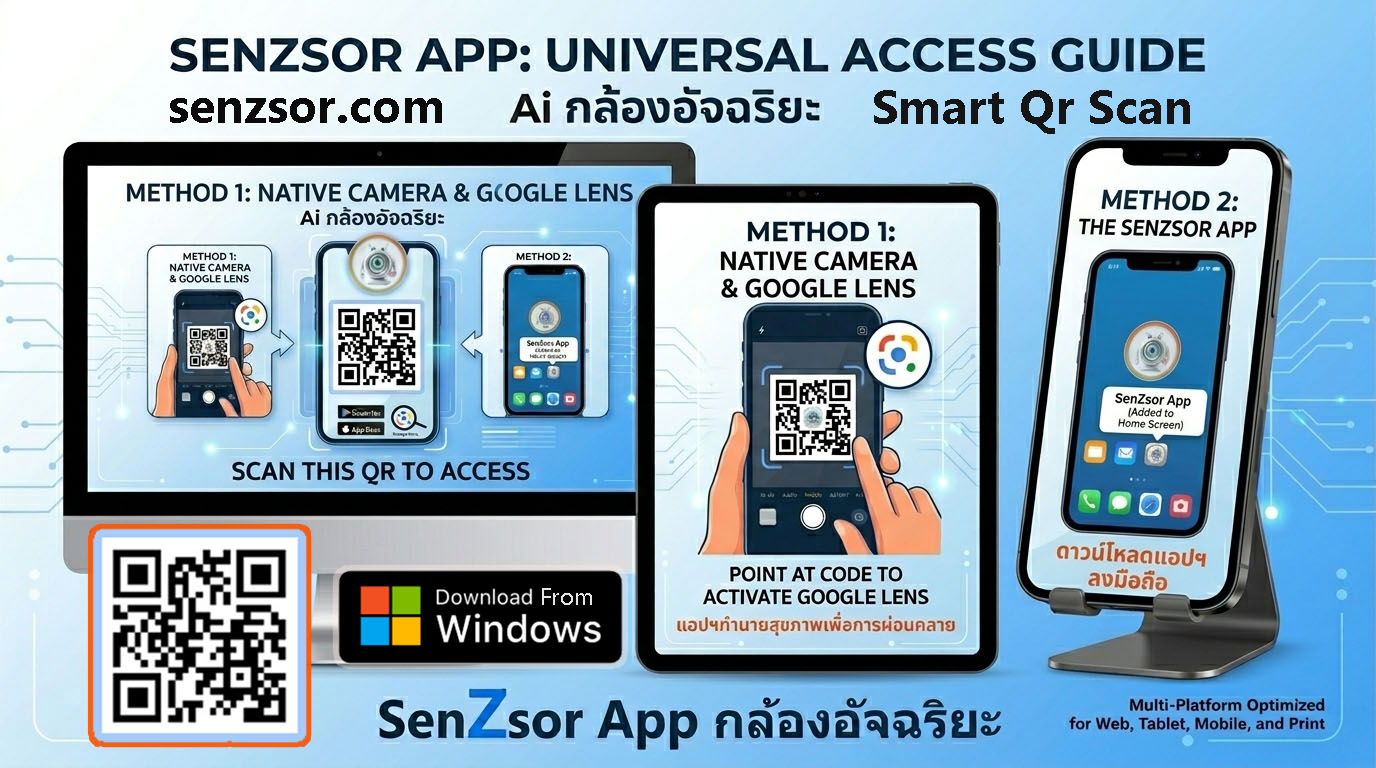
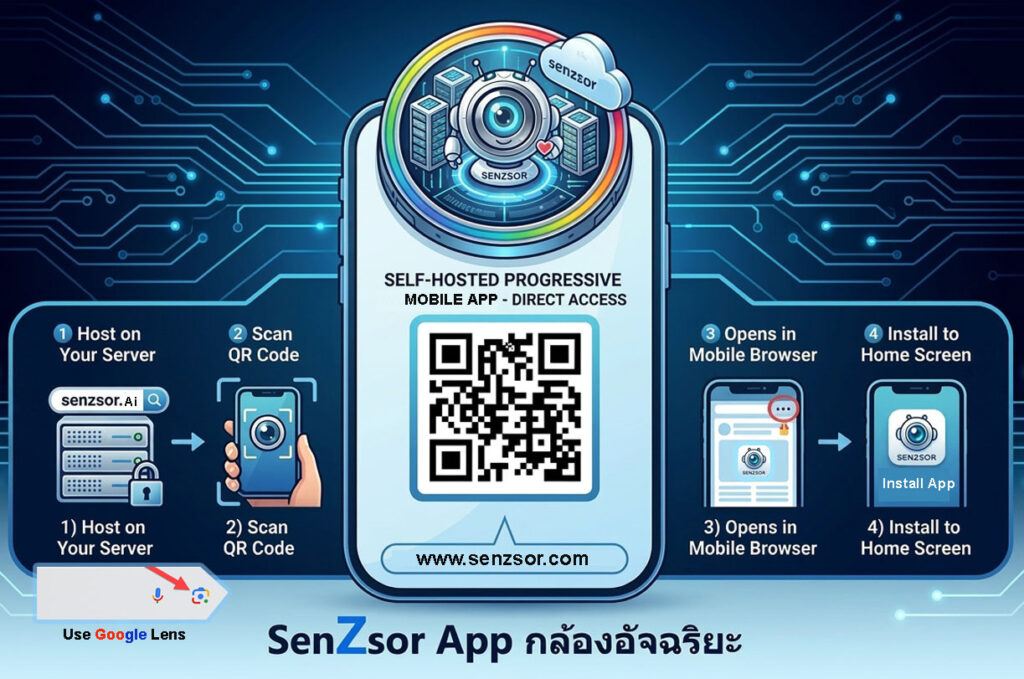
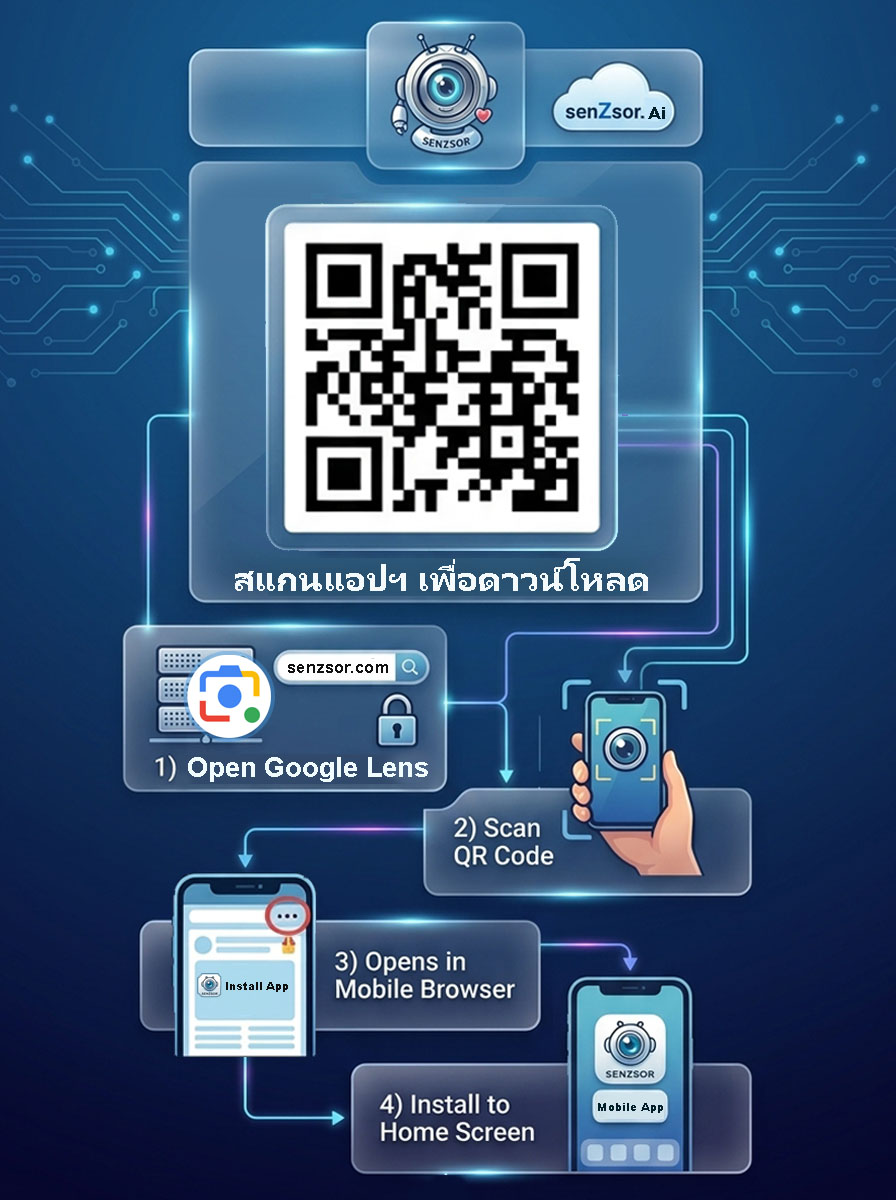
You don’t need to download a separate app from appstore or playstore to use Google Lens. You can instantly scan QR codes directly through your mobile web browser using the Google app or your phone’s built-in camera.Here are the quickest ways to do it:
- 1: Open Google Chrome. Open the Google Chrome browser on your phone and go directly to the URL of the application you want.
- 2: Add to Home Screen. On Android: Tap the three dots (menu) in the upper right corner, then select “Install app” or “Add to home screen”. On iPhone (iOS): Tap the share button (square with an upward-pointing arrow) at the bottom of the screen, scroll down, and tap “Add to home screen”.
Step 2.1: Press the word<Install App> that appears on your mobile screen. Download now. - 3: Install on your phone. A pop-up will appear asking for confirmation of the installation. Simply tap “Install” or “Add”. The app icon will permanently appear on your home screen or app drawer, just like a directly downloaded app.